
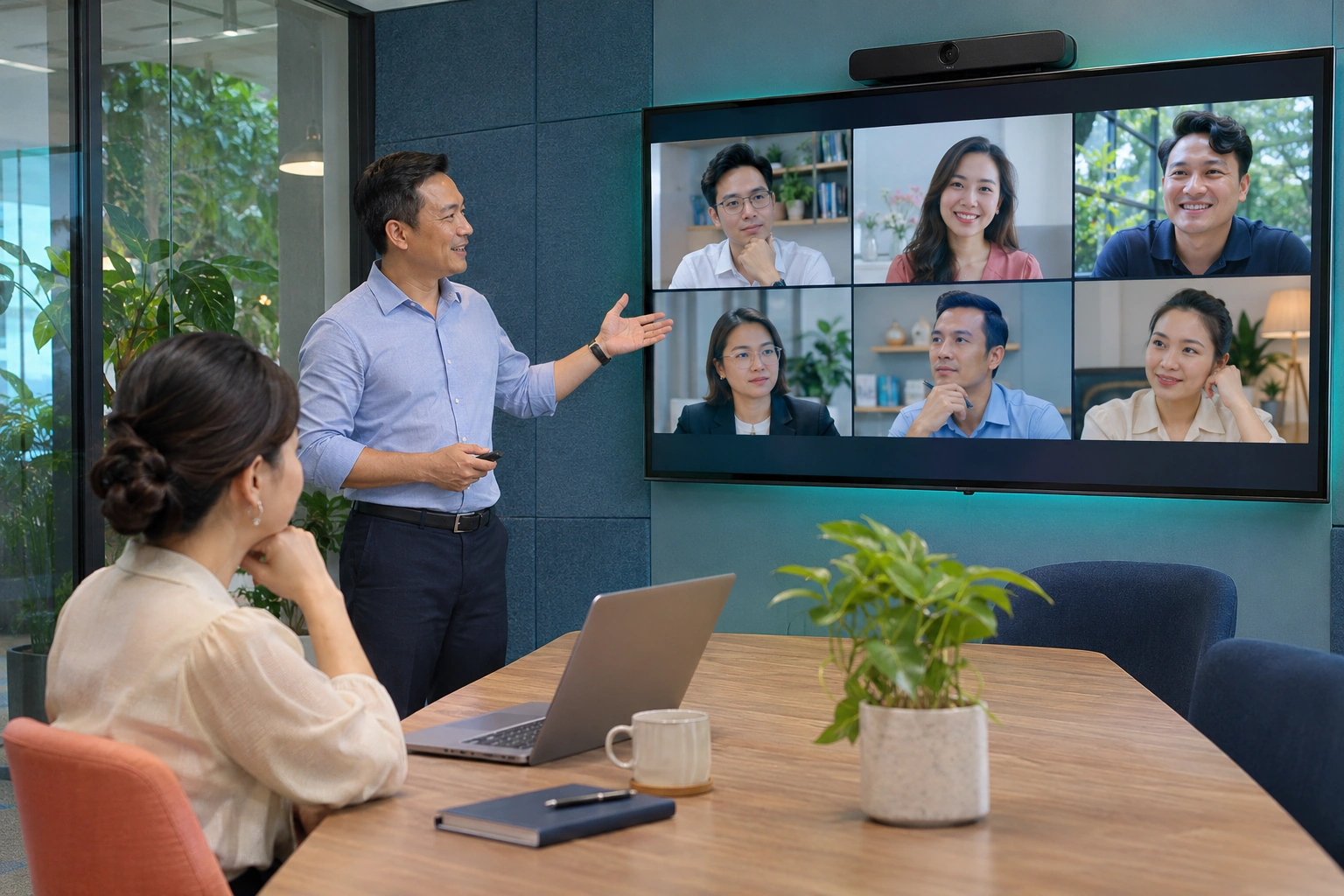



Meeting rooms & joining links
Prepare the room, link, and joining instructions; check display names, microphones, and cameras before the session begins.
Using the shared link, attendees check devices and joining information. Hosts choose access controls suited to their organization's meeting.
From team discussions to meetings across departments, start with clear goals and participation methods. Prepare content, facilitate the session, and follow through on agreed tasks.
Prepare the room, link, and joining instructions; check display names, microphones, and cameras before the session begins.
Meet online with group or presenter video layouts; share a window, screen, or browser tab where supported.
Track attendees, manage speaking turns and participation rights; use waiting rooms, passwords, and host rights according to configuration.
Send messages, links, and questions in the room; use raise-hand signals to support discussion and presentation moderation.
Add video or audio recording when the service is configured; agree on viewing rights, storage locations, and retention periods before use.
Select resources according to concurrent attendees, devices, and connectivity; test meeting quality alongside the operational monitoring plan.
Explore functions for attendees, presenters, and hosts. Session recording requirements are selected alongside infrastructure and data management plans.
Using the shared link, attendees prepare their display names and check devices before entering. Hosts choose access controls suited to internal, partner, or training sessions.
Attendees know how to join, while hosts have a basis for controlling the meeting's scope.
Communicate through audio and video, then focus on the content being presented. Teams follow the same plan, application screen, or document instead of describing the issue across separate channels.
Participants follow the presented information together and respond during the session.
Track participants and organize speaking turns to keep content focused. Host permissions are clearly configured, from handling room-entry requests to managing audio and attendees during the meeting.
Hosts can organize discussions, handle arrivals, and keep meetings aligned with their goals.
With a deployment that includes session recording services, organizations can save recordings for review or training. Activation, storage capacity, access rights, and retention are prepared alongside conferencing resources before use.
Content requiring retention has a clear management process suited to the organization's needs and resources.
The connections between people, data, and work within the solution.
Participants share a view of the issue and leave with clear tasks.
The training session has an agreed presentation rhythm, feedback process, and content retention method from the outset.
The team maintains a shared conversation and agrees on responsibilities across workplaces.
Prepare the right people, content, and joining methods; keep discussion outcomes connected to the work to be done.
Define the content, host, and people who need to attend. Prepare related materials and session arrangements so all parties share the same goal.
Prepare links and instructions suited to the attendees. Check devices, connectivity, and access scope according to the organization's deployment.
The host moderates content while participants discuss and follow presentations. Organize the discussion rhythm to suit the meeting's objectives.
Consolidate agreed content, documents to retain, and next actions. Minutes, video recording, or application integration methods are defined according to the deployment plan.
Maintain shared discussion sessions when members work across offices or locations, with clear joining instructions.
Organize review, coordination, and presentation sessions among stakeholders; keep discussion goals and next steps clear.
Create spaces to present content and discuss with the team. Organization scope, documents, and session recording are agreed before use.
Assess attendee numbers, devices, connectivity, and access models. Agree on conferencing resources, host roles, and recording, storage, or integration requirements; test actual meetings before launch.
Attendees, devices & connection quality
Participation, host & administration rights
Video recording, storage & integration within scope
Define the right scope for your organization together.
The team prepares links and joining instructions according to the organization's deployment. During assessment, agree on devices, browsers or applications, and access rights for a convenient meeting experience.
Recording can be added through a deployment plan that includes session recording services. Before use, configure video/audio recording resources, file storage, access rights, and retention periods, then test the entire process. This item requires separate confirmation when finalizing the scope.
iConnect organizes conversations and calls associated with daily communication; iMeet is a space for online meeting sessions. Meeting launch workflows, link sharing, and coordination between the components are assessed according to deployment needs.

Share your software, collaboration, infrastructure, or hardware design needs. Together, define an implementation approach suited to your organization.